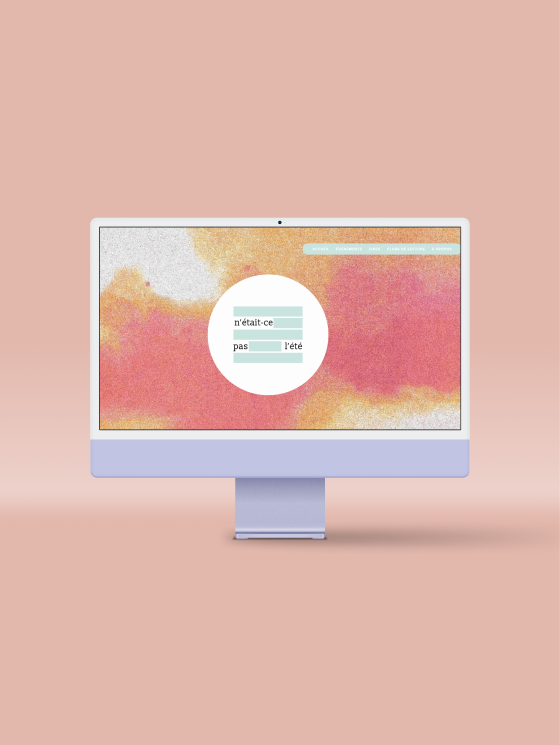
Role: Integrator in WordPress
A good website needs an easy navigation
I was assigned to rework as a UX designer the structure of the website that is hosted on WordPress. The main challenge was that the owner choose a free plan, which constraint a lot of features, plugins and tools. The plugins that were used 5 years ago went on a premium plan or was out of update. I needed to find a way to clean the website with a solution that will hold through time.
I tried different option as CSS, but WordPress in basic plan was not helping me. So, I thought about doing by HTML scripts.
Optimizing the Visual Experience
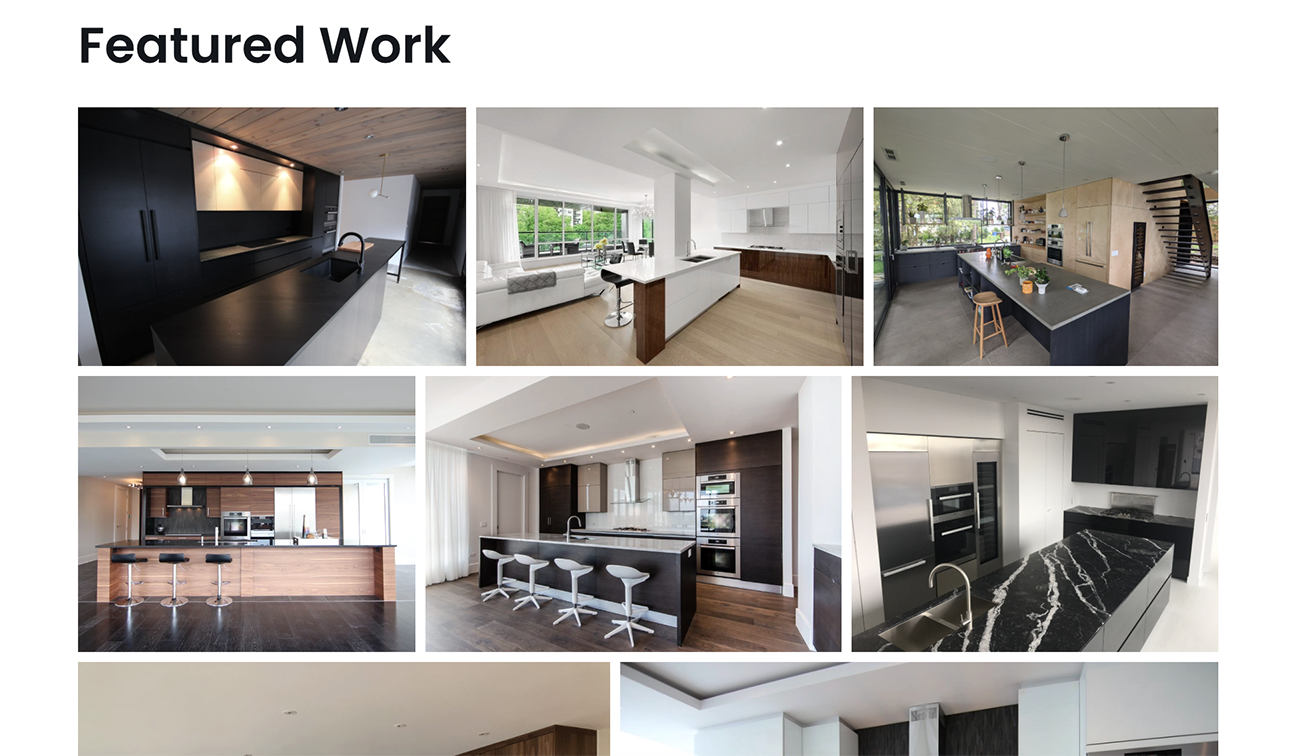
Since the client's work is highly visual, the site relies on high-resolution galleries to showcase their professionalism. To prevent server overload, I implemented a full media overhaul:
Smart Conversion: Resized and converted all assets to WebP for lightning-fast delivery.
Cleaning any blocks or unnecessary plugins that was left from the previous version in the homepage.
Smart Loading
Interactive Map on Demand
One of the expensive time loading on the homepage is the GoogleMap. The client specifically ask to keep it instead of switching it to a static picture. So I thought why not integrate an HTML link on a picture that will load the map when the user need to navigate in it? That way, the homepage can load quicker.
External scripts like Google Maps can significantly tank a site's performance. Instead of a standard heavy embed, I developed a custom HTML/JS solution:
On-Demand Activation: The interactive map only loads when the user triggers it.
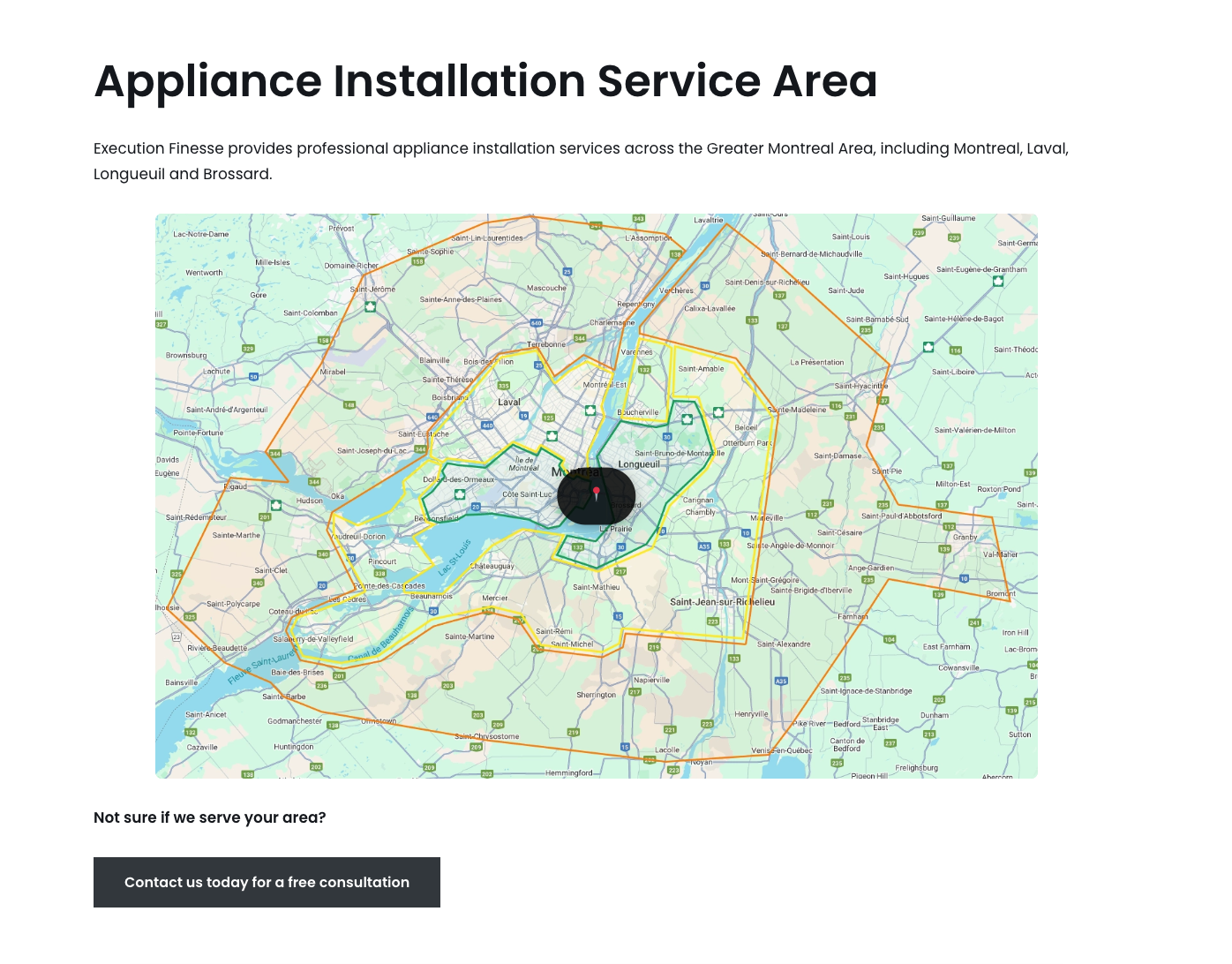
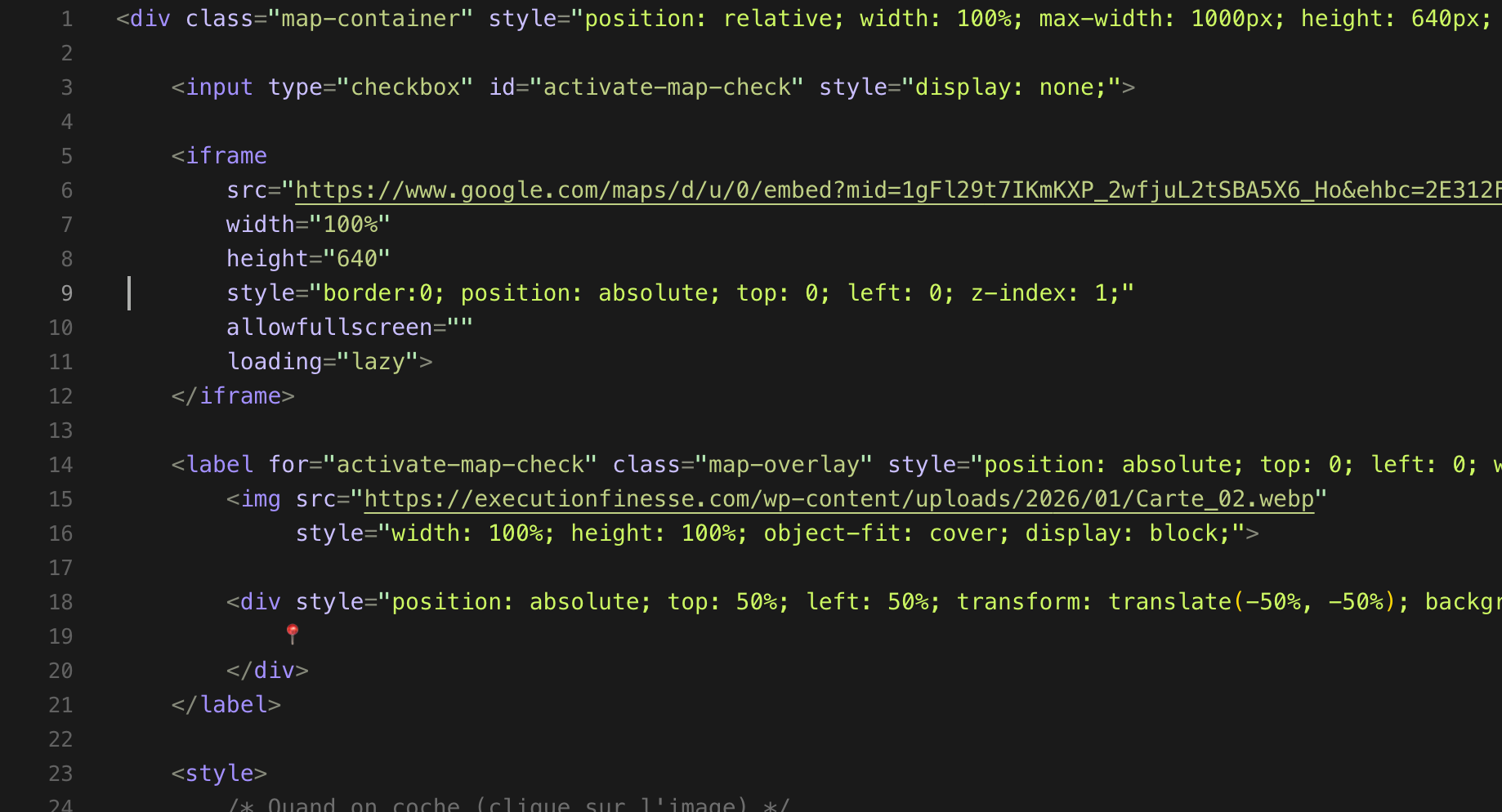
Part of the Google Map HTML script
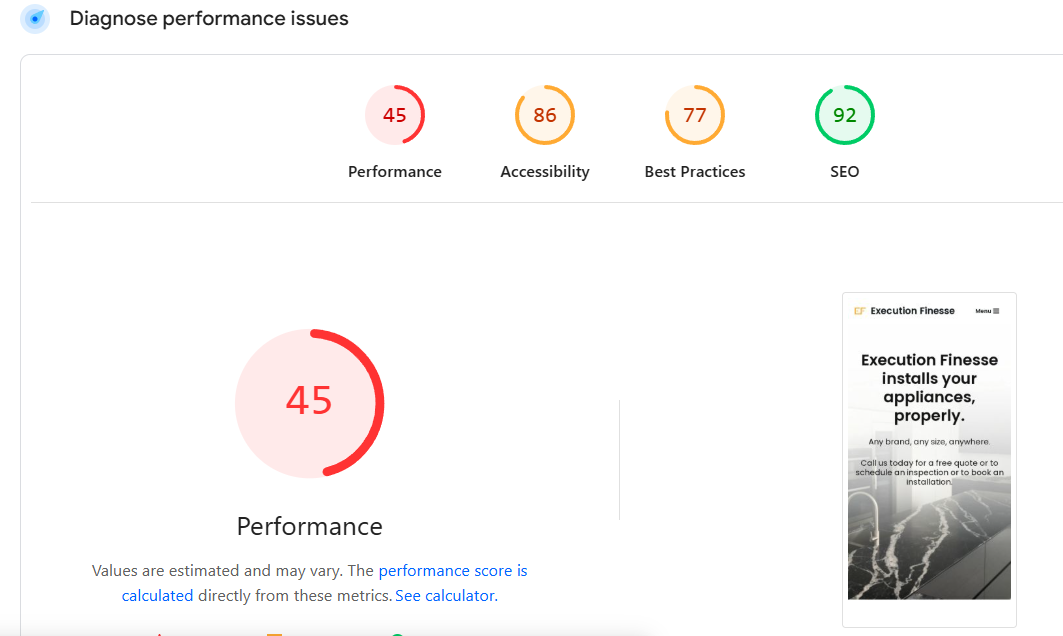
Before
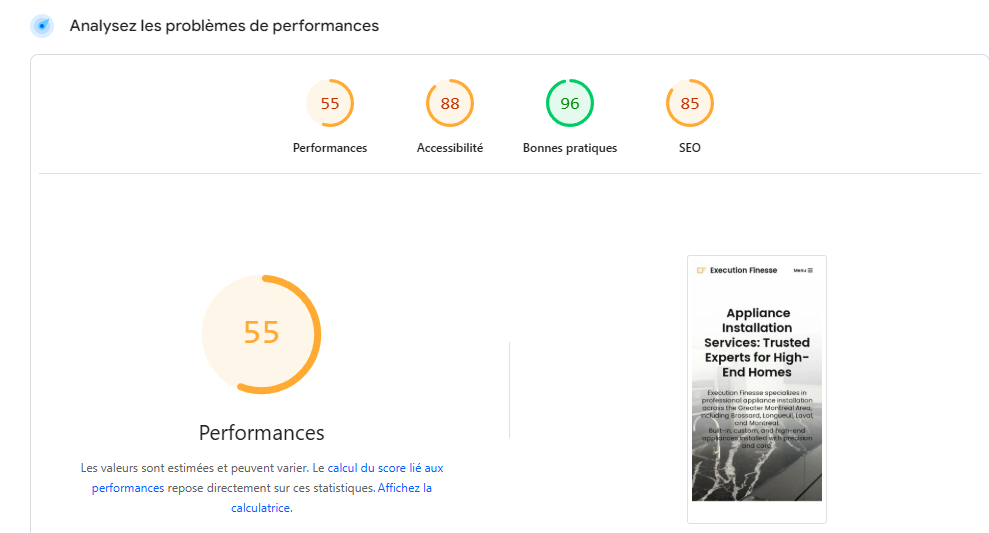
After
Performance Evolution: Prioritizing User Experience
While visual quality was non-negotiable for this project, I successfully boosted the performance scores, moving the needle from a 45 to a 55+ PageSpeed rating.
By optimizing heavy assets and scripts, I eliminated the laggy feeling during the initial scroll.
My custom script for the interactive map prevented layout shifts, ensuring a smoother visual experience.
This improvement represents a significant cleanup of the legacy WordPress bloat, providing a leaner, faster, and more stable foundation for future SEO efforts.
In a project driven by high-resolution imagery, I managed to increase speed by 22%, proving that you don't have to sacrifice beauty for functionality.